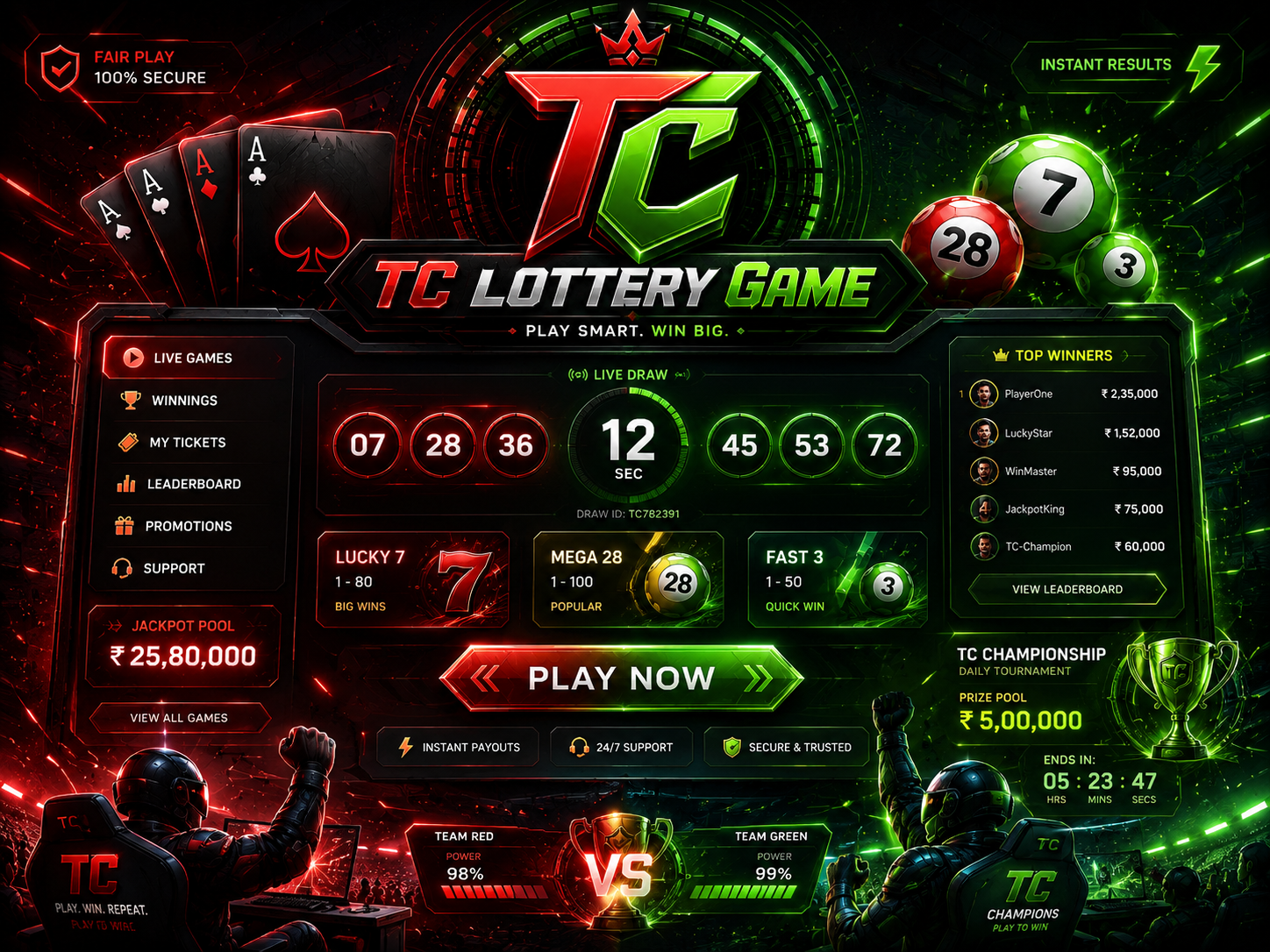
Draw title
Start with the title or room label. It tells you which board the rest of the screen belongs to.
A lottery-style screen can show current numbers, previous rows, side panels, and moving prompts at once. Read the labels before the colours.
Start with the title or room label. It tells you which board the rest of the screen belongs to.
Notice whether the countdown is active, closing, paused, or already moved to a result view.
Check whether the row is current, old, sample, or decorative before reading it as live.
Side panels can show history, messages, or unrelated prompts. Compare them with the main draw title.
Read popups fully. Do not tap through text that asks for money, private details, or permissions.
Find the back or close path before a screen starts pushing you from one round to another.